
Nick Brown (nb dev)
I’m Nick Brown (nb), a .net web developer based in South Wales, UK specialising in the Microsoft 365 platform.
I hold an Expert qualification from Microsoft for 365 Enterprise Administration, you can see my Microsoft credentials at credly
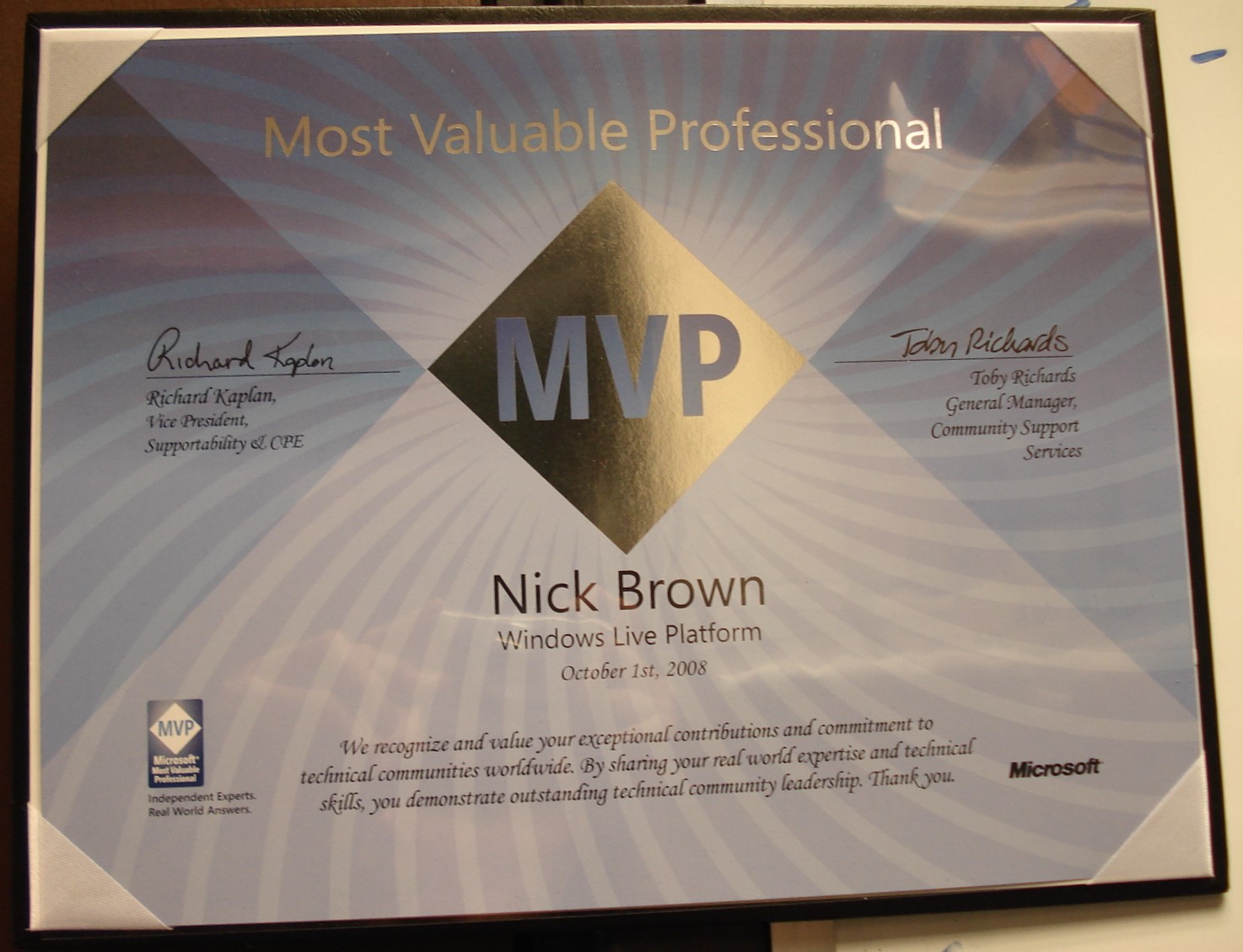
I’ve been actively developing since 2002 in some form or another. Even winning a Microsoft MVP award.
I’m also a licensed private pilot (PPL)
Current Occupation
Senior Microsoft 365 Developer & Architect at Jisc Cloud Services Engineer at Cardiff University
In my Current job I’m developing Microsoft Sharepoint, Teams and PowerAutomate Addins specifically for Jisc and it’s member institutions.
Previous Occupations
- 4 January 2022 – 18 March 2022
- Senior Cloud Services Engineer • Cardiff University
- 1 August 2019 – 3 January 2022
- Cloud Services Engineer • Cardiff University
- 1 April 2016–1 August 2019
- Business Manager • Crickhowell High School
- 1 September 2014–31 March 2016
- IT Manager • Crickhowell High School
- 1 September 2008–31 August 2014
- IT Technician • Crickhowell High School
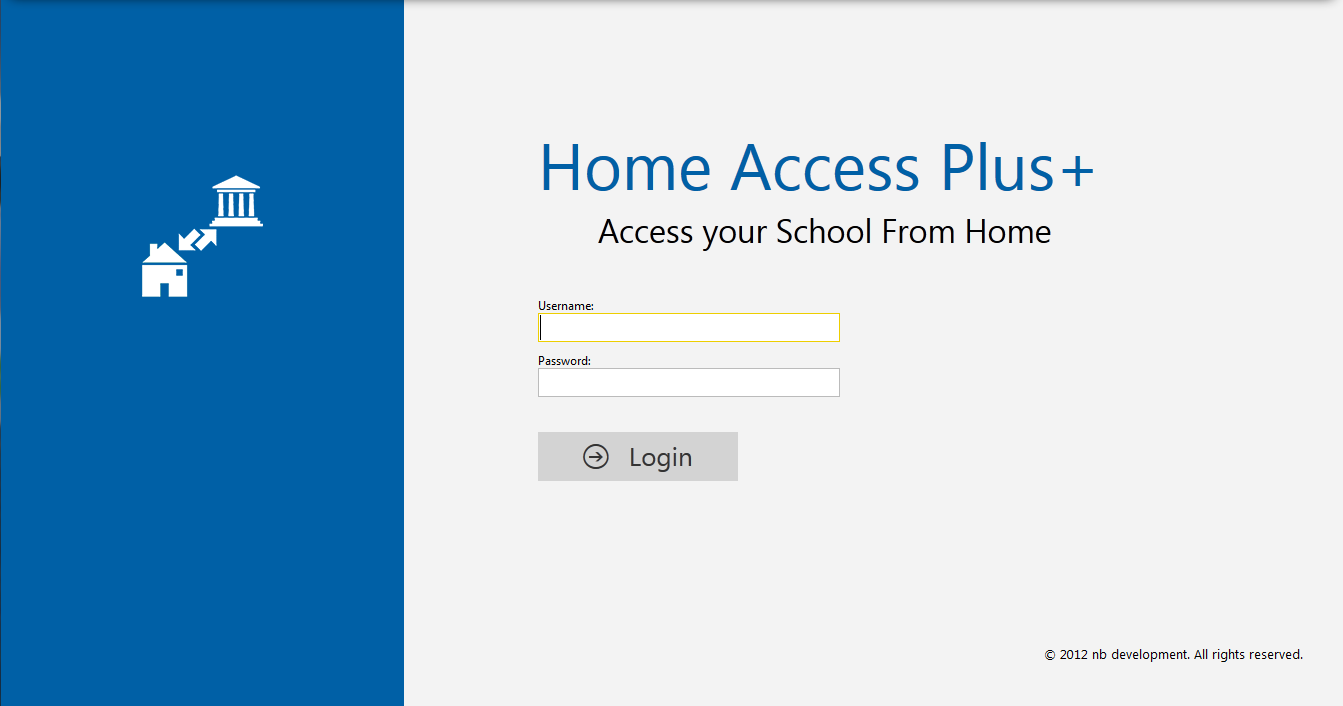
I developed Home Access Plus+ amongst other things whilst at CHS and Cardiff University
-

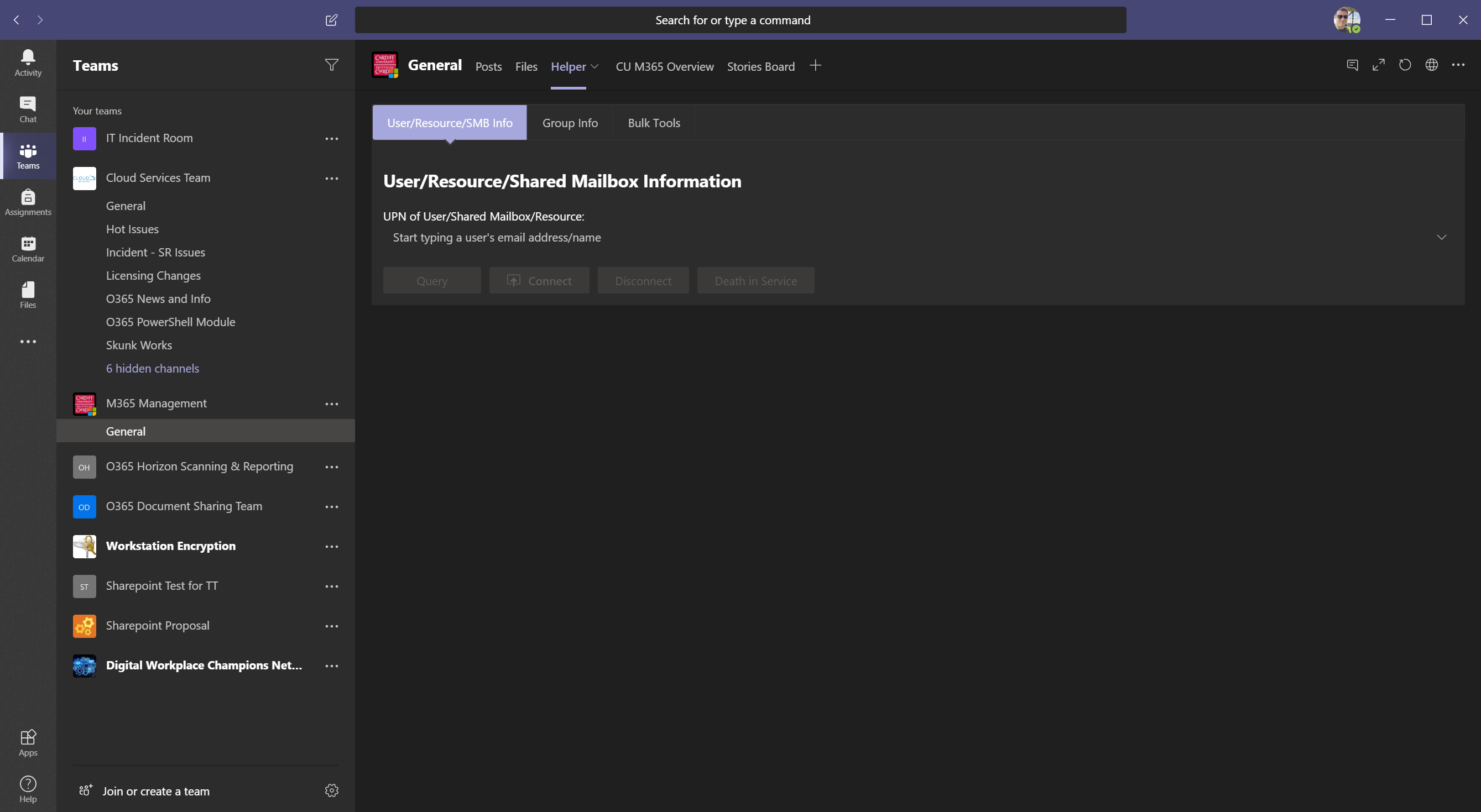
Cardiff University M365 Helper Teams App -
Cardiff University M365 Customer Flow Connector -
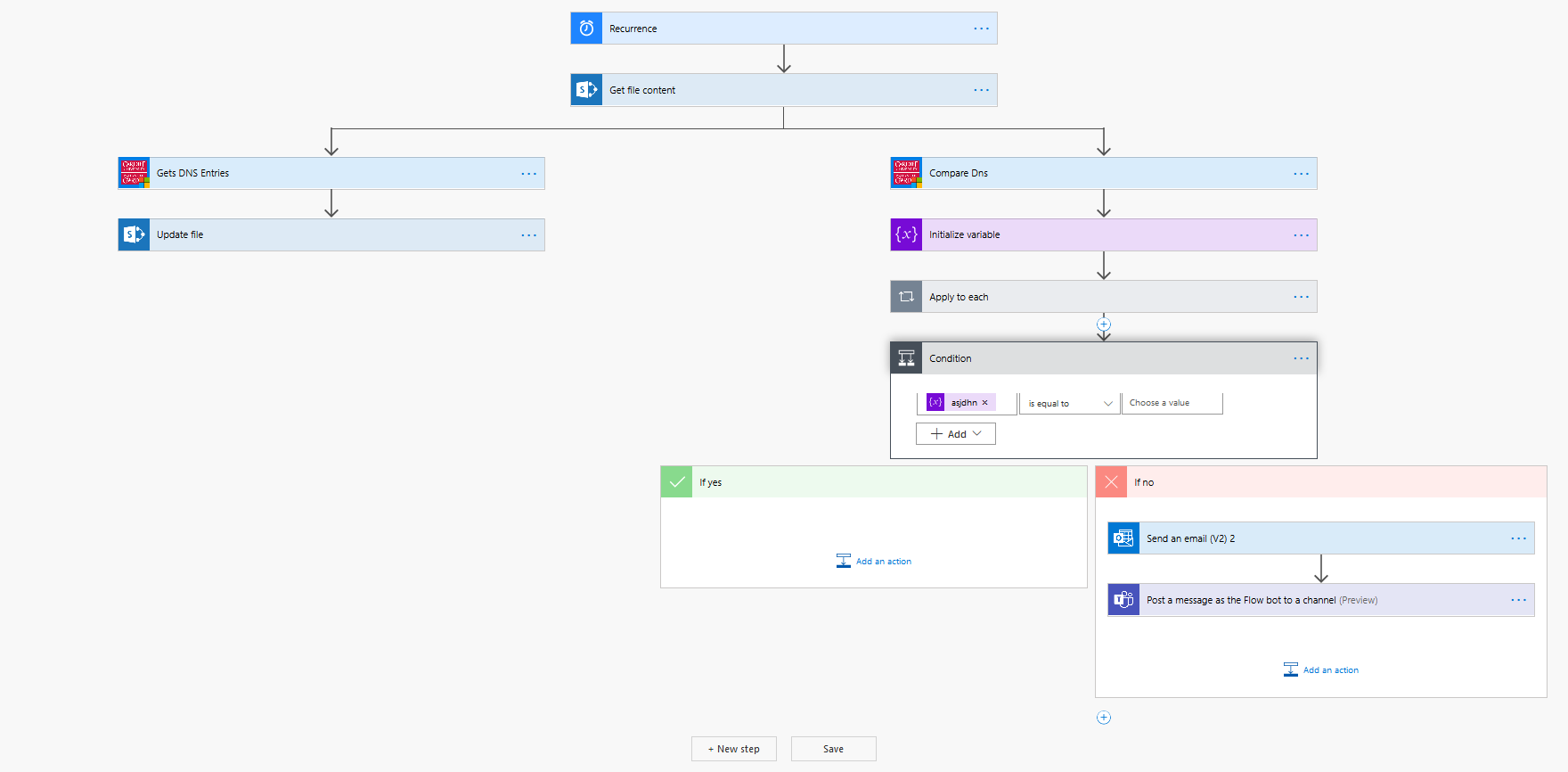
M365 DNS Flow -
Home Access Plus+ -
Private Pilot -
MVP Award


Additional Experience
- Expanded
the computer network from 100 pcs to over 500 devices. Implemented an Office 365
infrastructure. - Migrated from
on premises Exchange installation to Office 365. - Migration
from an RM Network to a Vanilla Windows Network. - Installation
and management of System Centre Configuration Manager (SCCM). - Installation
of Azure Backup Servers and Symantec Backup Exec - Active
Directory Federated Services installation including Azure Multifactor
Authentication configuration. - Migration
from on premises ISDN telephony system to Office 365 Skype for Business system. - Sharepoint
and Onedrive Implementation and Migration - Implementation
of Microsoft Teams (utilizing School Data Sync) - Installation
and Management of a SQL Server infrastructure. - Installation
and Management of a Windows Active Directory Network including Group Policy,
DHCP, DNS and File Servers. - Configuration
and Management of a Smoothwall Firewall including Link Aggregation - Installation
and Configuration of a Brocade, Cisco and HP switches - Commissioning
of new network switches and cabling runs. - Commissioning
and installation of new server hardware. - Installation
of 60 Analog and IP based CCTV cameras and DVRs. - Project
Management of IT and infrastructure projects - Data
Protection Officer duties including GDPR compliance - Management
of the school budget in collaboration with the Headteacher and Senior Staff. - Managing
Finance and Procurement processes - Conducting
Tendering Processes in both equipment and contracts. - Management
of Caretakers, Technicians and other officers who I line manage. - Writing
school timetables. - Managing
Health and Safety in a delegated capacity. - Ensuring
implantation of H&S and compliance recommendations. - Conduct
recruitments and ensuring compliance with organisational policies. - Developed
Home Access Plus+ during early career.